I still have no idea what this does. What on earth are the desktop rounded corners?
back
2 comments
Modern MacBooks models have rounded corners at the top right and top left corners of the screen, see [0]. The bottom corners don't do this and external displays don't do this. This is a stylistic choice to match the curvature of the laptop's edge. If you move your mouse along that corner it doesn't disappear behind the curve, it follows the curve.
[0] https://www.apple.com/v/macbook-air/x/images/overview/mac-pl...
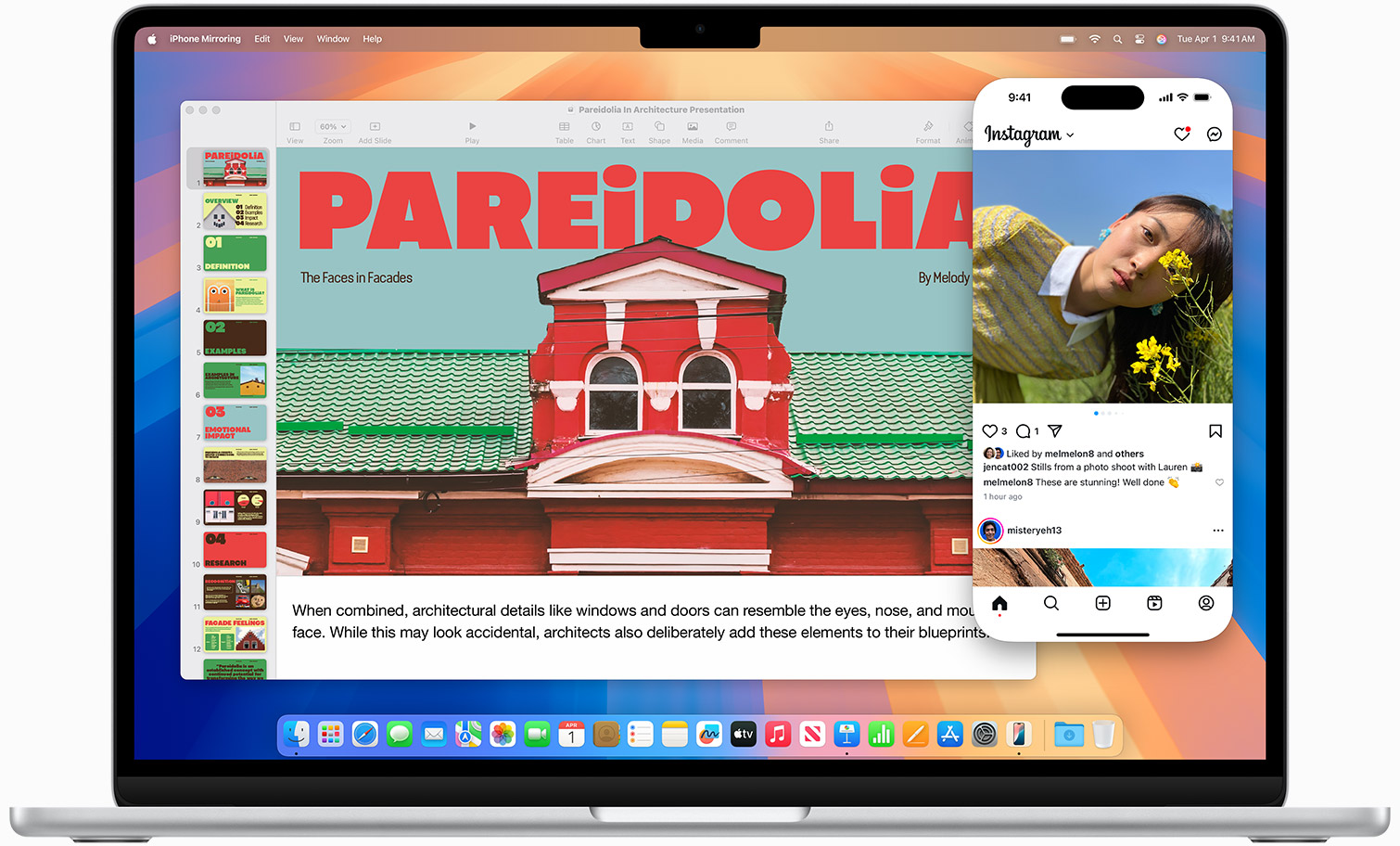
I really think* the rounded corners on top-left and top-right of the MacBook Pros are hardware. There is no software in the world that can “fix” that…
* Try to move space on such a device, the non-rounded desktop appears…
Macs have rounded corners on the desktop. I.e 4 corners. It looked awesome in the CRT days because of the shape of them. These days on flat lcd screens the geometry is so good that they aren’t required to provide the same function as in CRT days but some people still like the look. I do, but i dont run extra software if i can help it especially for an aesthetic change. I used a tool like this is the past but there were incompatibility’s.
I'm super confused. My Macbook desktop has no rounded corners. Both the menu bar and content against the bottom edge are sharp-cornered. Is this only for external screens?
> I'm super confused. My Macbook desktop has no rounded corners. Both the menu bar and content against the bottom edge are sharp-cornered. Is this only for external screens?
Running an Apple Studio Display here, and no rounded corners at any edges. So, just for non-Apple monitors?
Not even that. I have both Apple and non-Apple monitors, and my Mac only rounds the top edges on the MacBook’s screen, as intended.
Not sure what this tool’s function is supposed to be, given that the rounded corners only appear on screens that are actually rounded. Why would you want to straighten that out on a physically-rounded screen?
It’s more than that, the screen is rounded at the hardware level, there are no pixels to show anything here. What the OP software is supposed to “fix” CANNOT be fixed!
Running two Lenovo ThinkVision displays off of my work MacBook Pro.
On the MBP built-in display, the upper-left and upper-right corners are rounded. I believe this is due to the shape of the display. The bottom corners are not rounded.
On the external displays, the corners are all square.
Not the case with a third-party display either.
The newest design of MacBooks with the notch have the top corners of the display rounded.
Yes, but that’s not in-software, the screen is actually, physically rounded. Using software to straighten that out would have, quite literally, no effect at all on these machines.
But most importantly, when connected to sharp-edged monitors, the Mac does not round the corners and instead displays the entire contents of the screen edge-to-edge (including the desktop and menu bar). So this tool seems to be solving a problem that does not exist.
Do those pixels even exist on the display? They certainly don't on the iPhone; the implied corners on those are physically outside the device.
Yeah I really thought (and actually still think) the rounded corners on the top left and right of the new(-ish) MacBook Pro are hardware. I know for sure they pre-date Tahoe!
They are hardware.
There's software like Top Notch if you want to make the bottom corners rounded also.
TopNotch also solves the problem this app targets I think: the rounded corners are not visible when the menubar is black.